Woot
FR
Version 0.2 available · Windows

The launcher that handles everything.

Woot is a free launcher for Minecraft: Java Edition. Pick your version, hit Play: Java, mods and settings are handled for you. And once in game, your menu and modules are already there.

  • Free
  • Official Microsoft sign-in
  • No paid advantage

Available on Windows · soon macOS Linux

Preview

An interface you'll want to open.

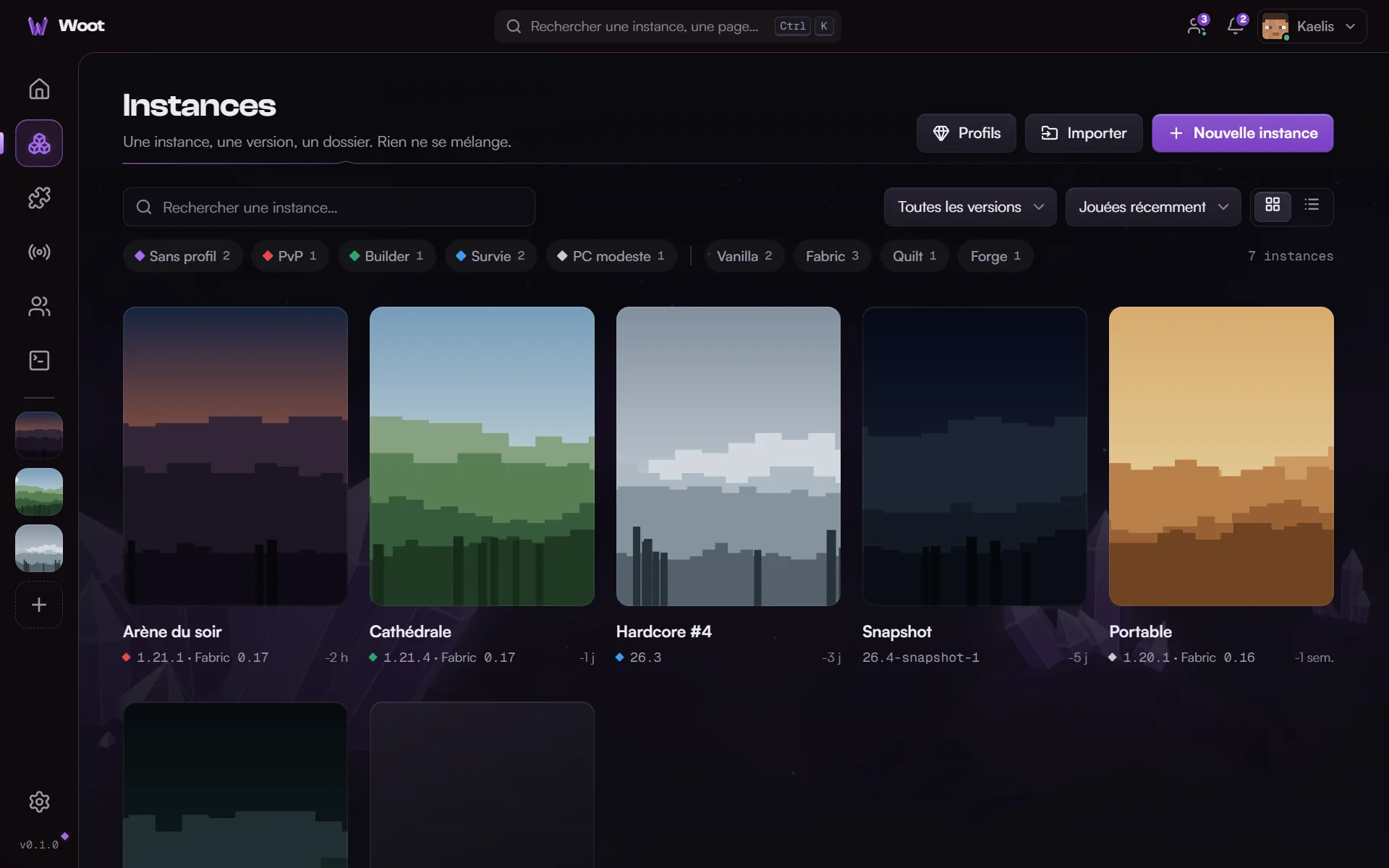
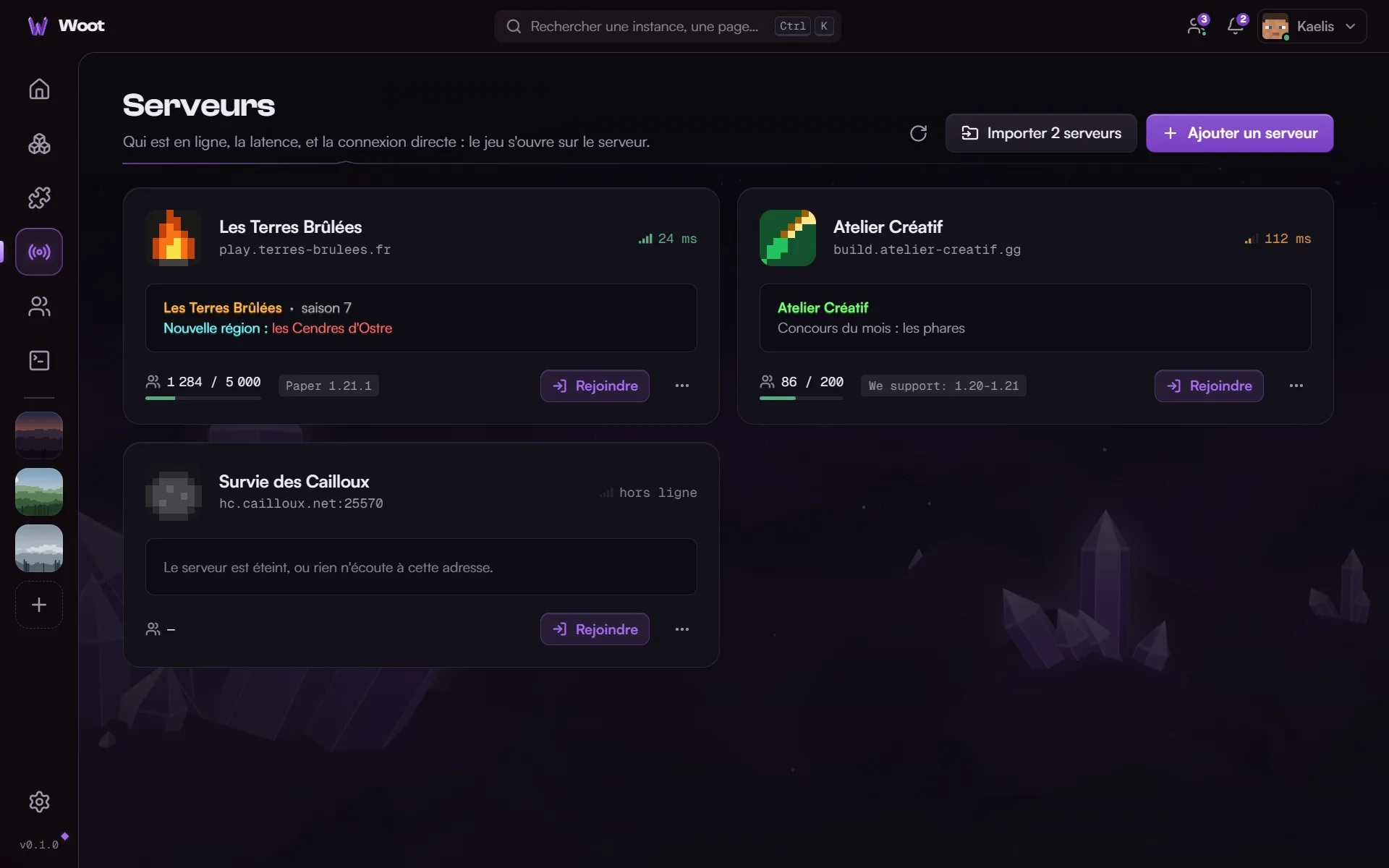
Your instance, a Play button, and everything else within reach. Click a screen to explore it.

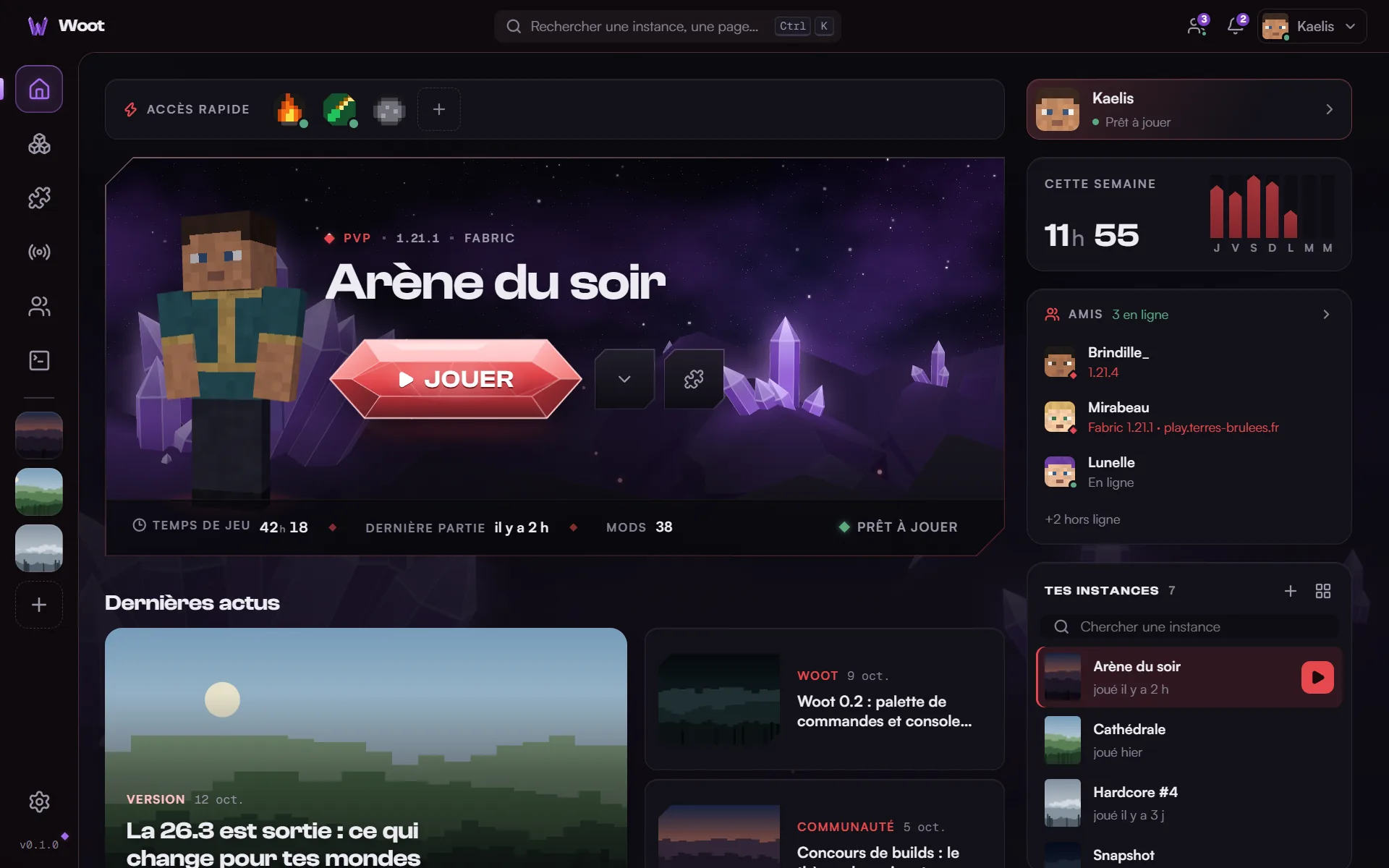
Woot's home screen: the current instance with its Play button, quick access to servers, this week's playtime, friends online and the latest news
Home. Your current instance and its Play button. Your servers, friends online and the news around it.

Screenshots of the French interface with demo data. Woot is also available in English.

In game

Woot follows you into the game.

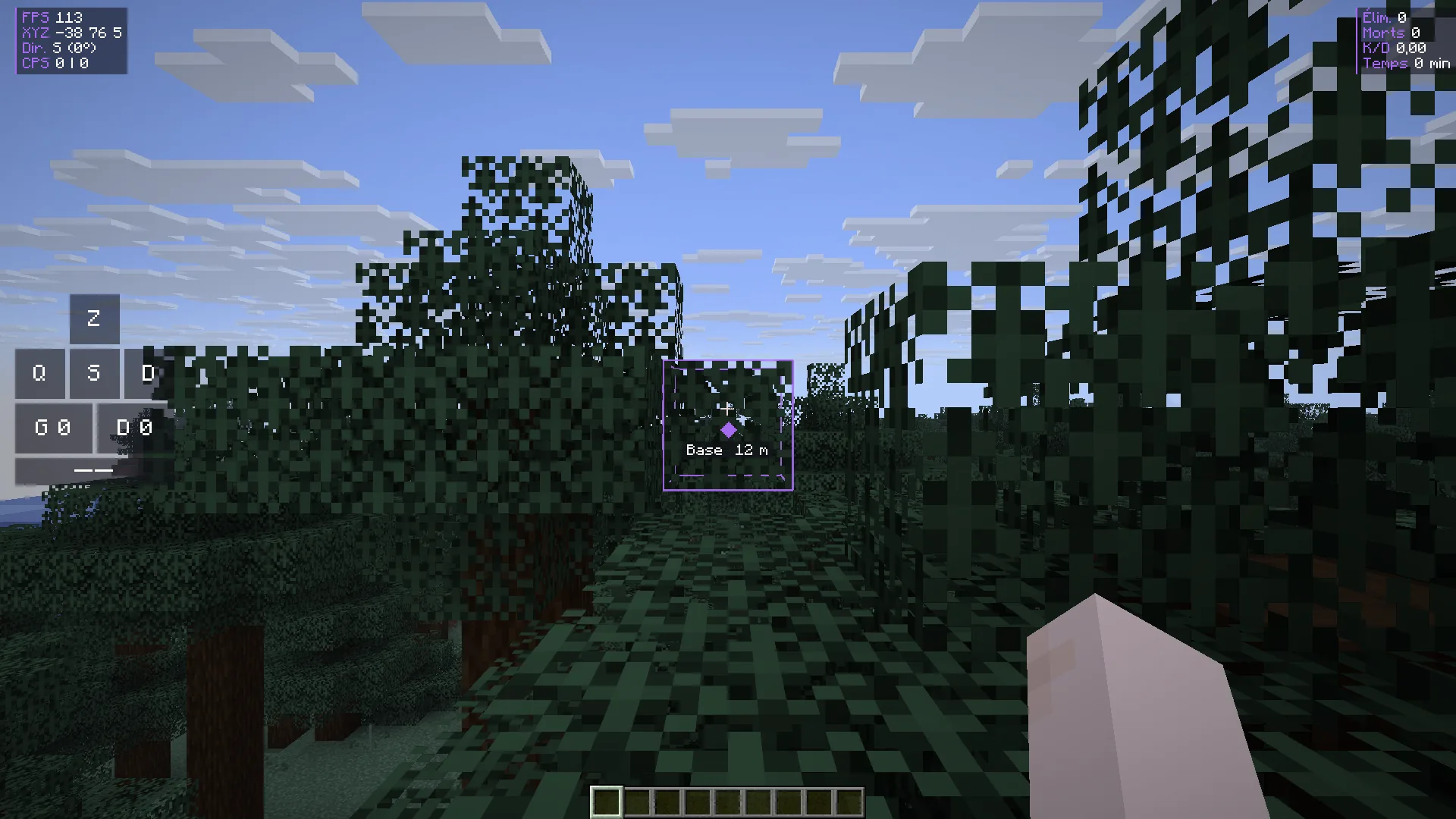
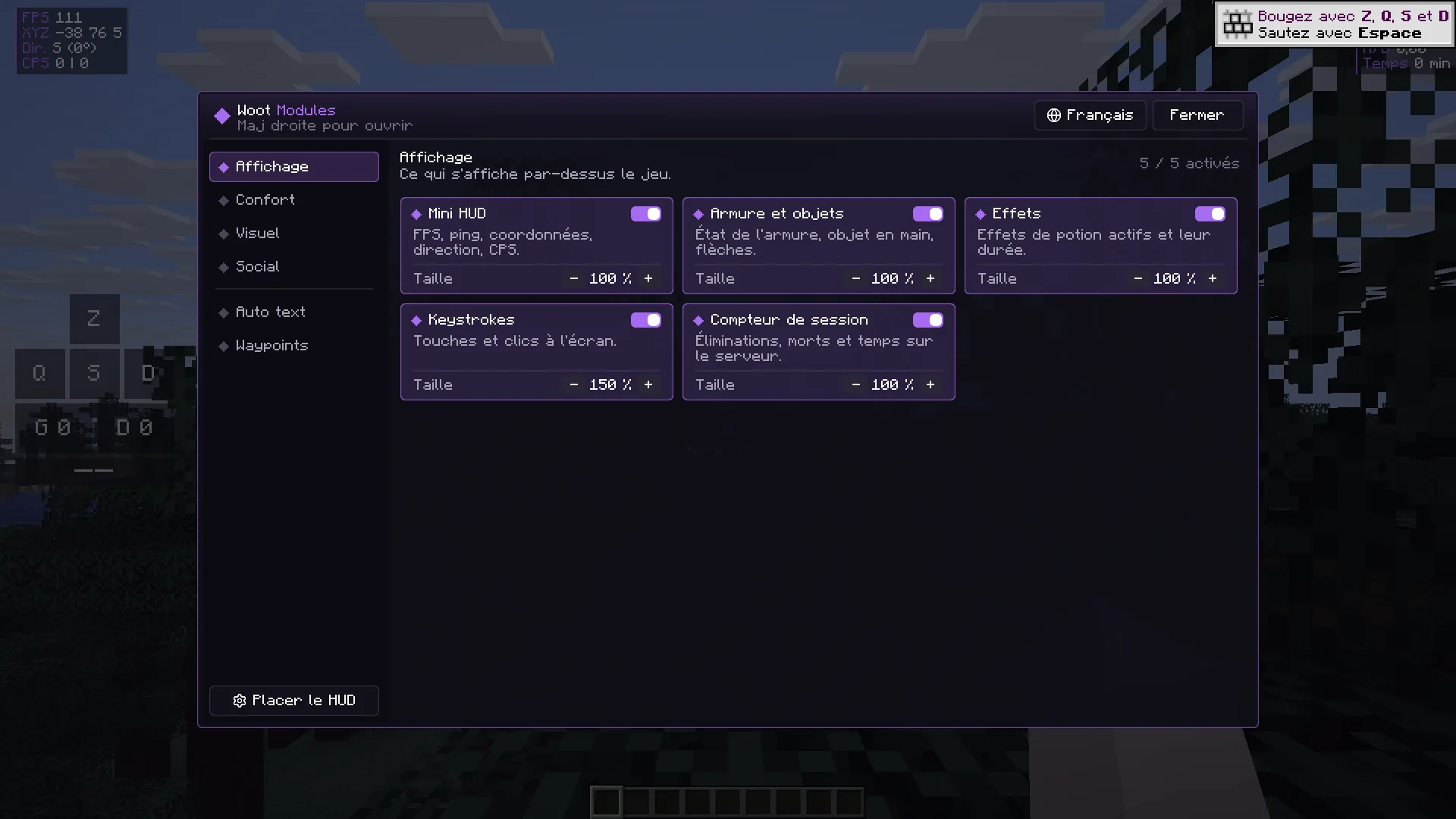
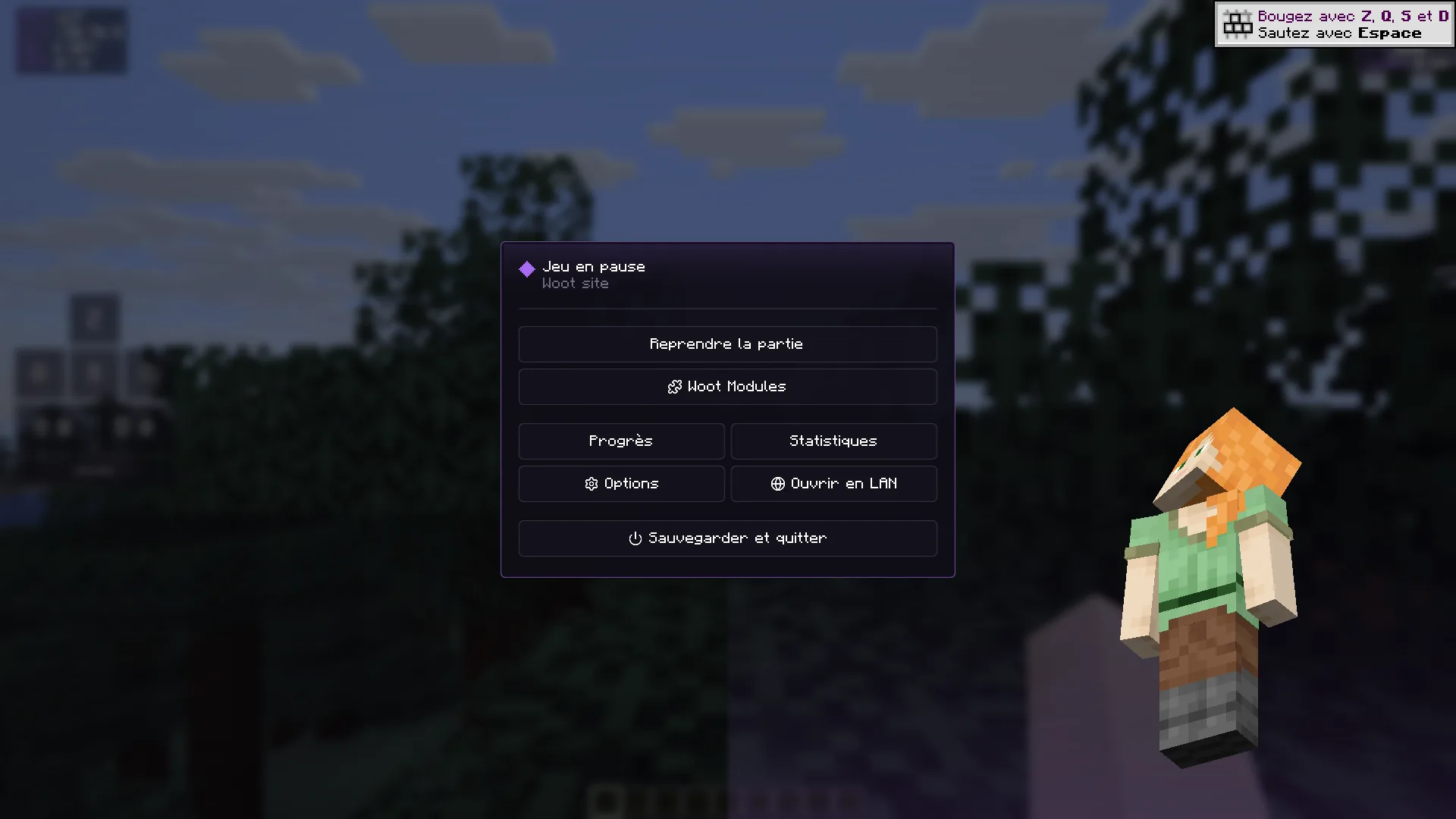
A main menu in your colors, and over 40 handy modules while you play. Nothing to install: Woot adds them to your vanilla and Fabric instances, on almost every version from 1.8 to 26.3.

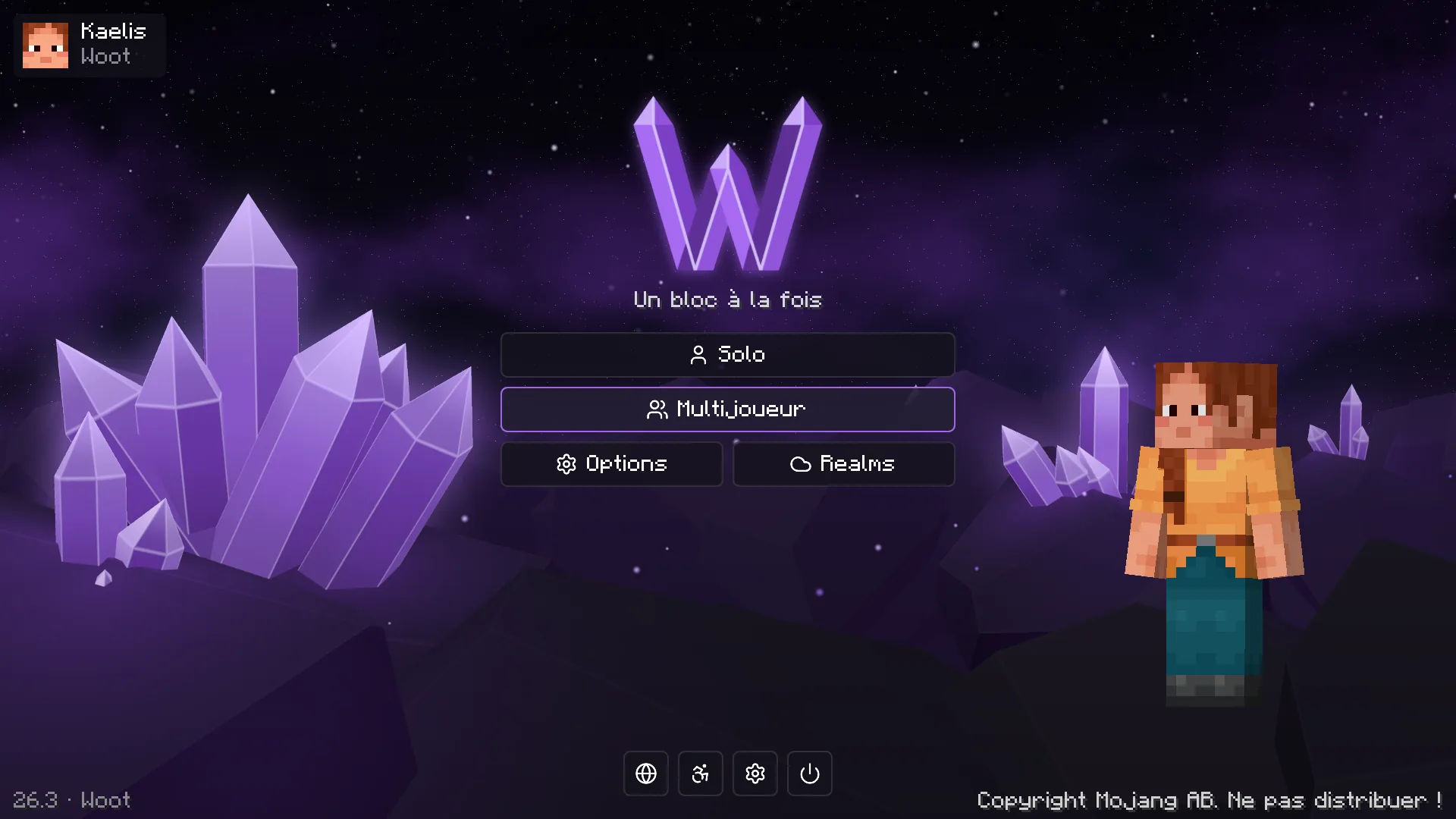
Woot's in-game main menu: crystal logo, animated crystal scenery and the player's character
Main menu. Animated crystal scenery and your character, in your profile's colors.

Screenshots of the game in French.

Display

Mini HUD, minimap, compass, armor and items, item counter, potion effects, on-screen keys, combat stats, server info.

Comfort

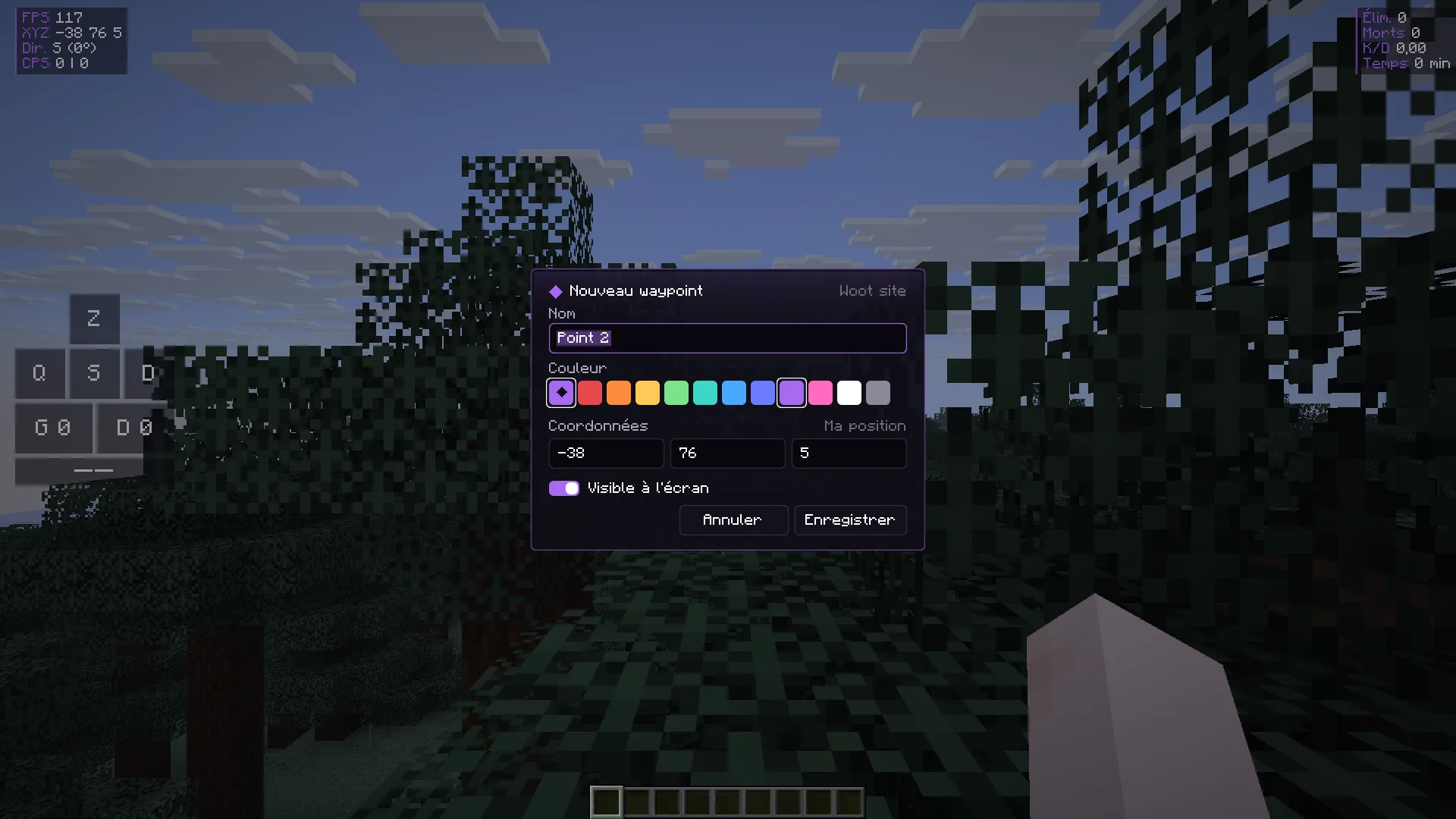
Zoom, freelook, toggle sprint and sneak, waypoints, block palette, shape guides, clips of the last seconds, better chat, auto text.

Visual

Crosshair, colored XP bar, damage indicator, hitboxes, light level, visible redstone, sky, weather and fixed time, lower fire.

Social

Your Woot friends' chat in game, their names highlighted, your position shared, your screenshots sent to the launcher.

How it works

Playing, in three steps.

No hunting for Java online, no folders to set up. You sign in, you pick, you play.

  1. 01

    Sign in with Microsoft

    In your browser, on the official page. Woot checks that you own the game.

  2. 02

    Pick your version

    From the very latest to the oldest: releases, snapshots, beta and alpha.

  3. 03

    Hit Play

    Woot installs the right Java, downloads and verifies the files, then starts the game.

Cosmetics

Your style, seen by every Woot player.

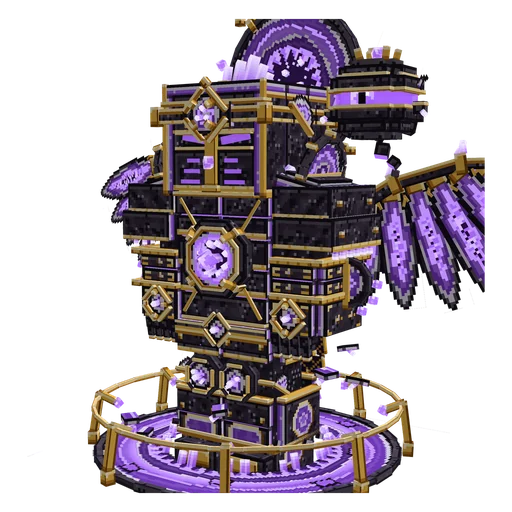
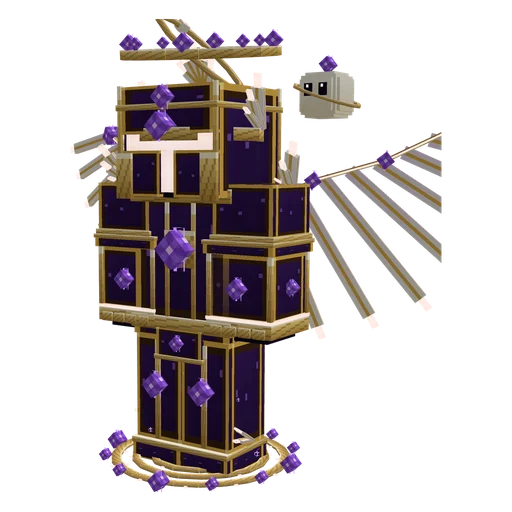
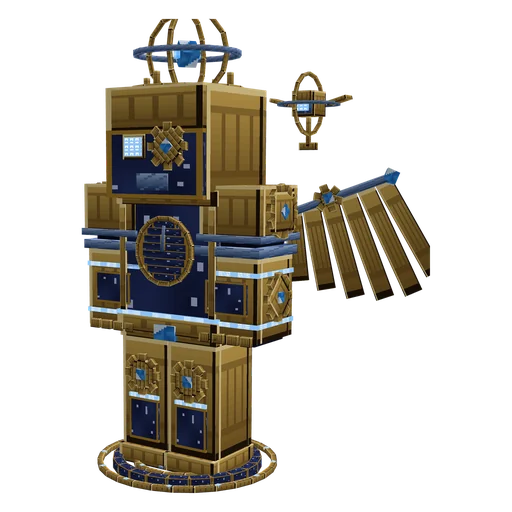
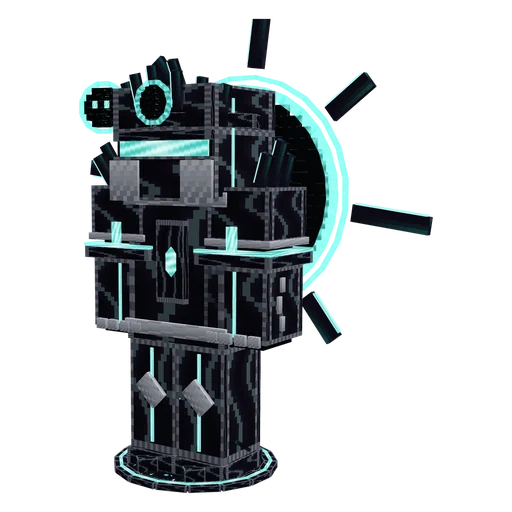
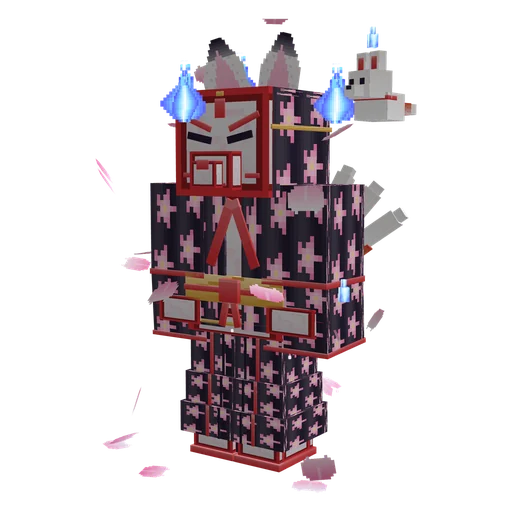
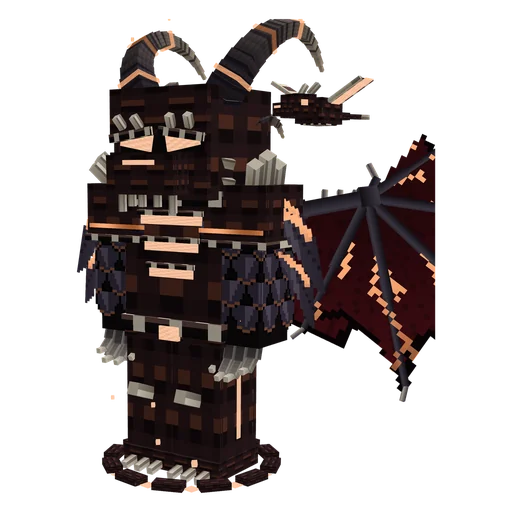
Hats, masks, wings, auras and companions, in 3D on your character. Try them on in the launcher, and other Woot players see them in game, on every server.

  • Sovereign GeodeLegendary
  • EmpyreanEpic
  • The Astral HorologistEpic
  • Eclipse SovereignEpic
  • Fox Spirit · SakuraEpic
  • Dragon · EmberEpic

Over 500 items

Single pieces or full sets, with new items every month.

Season pass

A free track for everyone and a Premium track. Season 1 starts on November 15.

Evolutions

Some items change their look as you play with them.

No in-game advantage

Looks only. Payments go through Stripe: Woot never sees your card.

Woot+ €4.99 a month

The season pass included, a free cosmetic every month, 6 tints for every item, longer clips and no ads. Cancel anytime.

Discover Woot+
Features

Everything tedious, Woot does for you.

An engine written in Rust, a lightweight interface, and nothing to configure before you play.

The right Java, installed for you

Each game version needs a different Java. Woot installs the matching official runtime without asking you anything. You never have to think about it.

b1.7.3
Java 8
1.12.2
Java 8
1.20.1
Java 17
1.21.4
Java 21
26.3
Java 25

Isolated instances

One instance, one version, one folder. Worlds, mods and settings never get mixed up.

Mods and modpacks

Mods, resource packs, shaders and modpacks from Modrinth, with their dependencies and one-click updates.

FabricQuiltForgeNeoForge.mrpack

Your friends, in the launcher

Who's online, on which version and which server. Join their game in one click, even with your game already open. Private messages and groups, without leaving Woot.

Brindille_ · playing 1.21.4

Console and crashes explained

The console follows the game live. If it crashes, Woot spots the cause: memory, Java, a missing or duplicate mod, and suggests the fix.

MemoryJavaDependenciesDrivers

Verified downloads

Everything comes from the official servers. Every file is checked, and an interrupted download resumes where it stopped.

Fast and light

Native Rust engine, parallel downloads. The launcher steps aside while you play.

32 simultaneous downloads

Even offline

No network? You can still play solo, with an account that has already been verified.

Offline · verified account

Profiles

Every profile has its color.

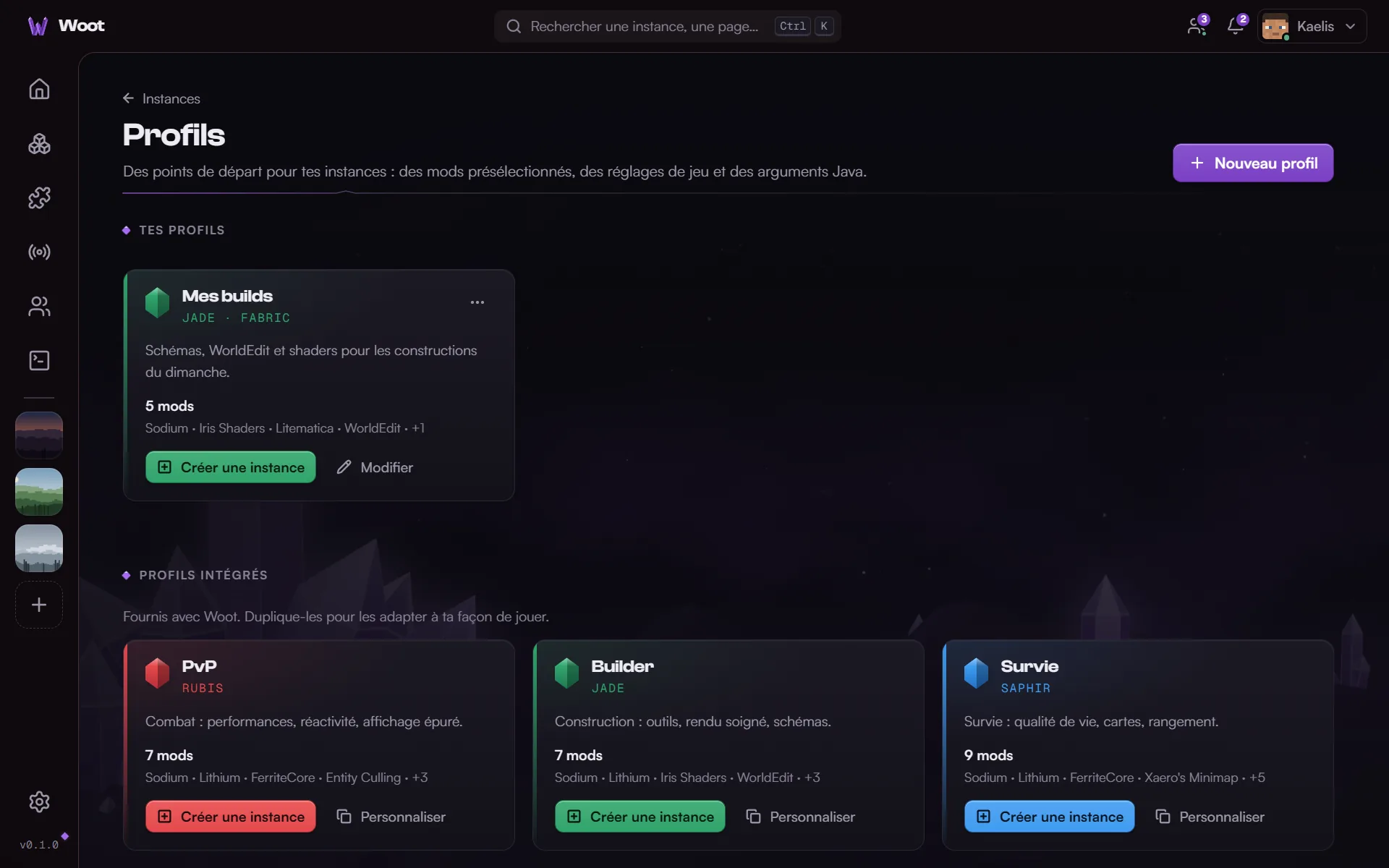
A profile installs the mods and settings that fit the way you play, and gives its mineral to the instance: your cards, your Play button and your in-game menu take on its color. Start from a built-in profile or make your own.

Eleven minerals, five built-in profiles. Try it: the website changes color too.

Woot's in-game main menu, in the chosen mineral's colors
Official sign-in

Your Microsoft account, and nothing else.

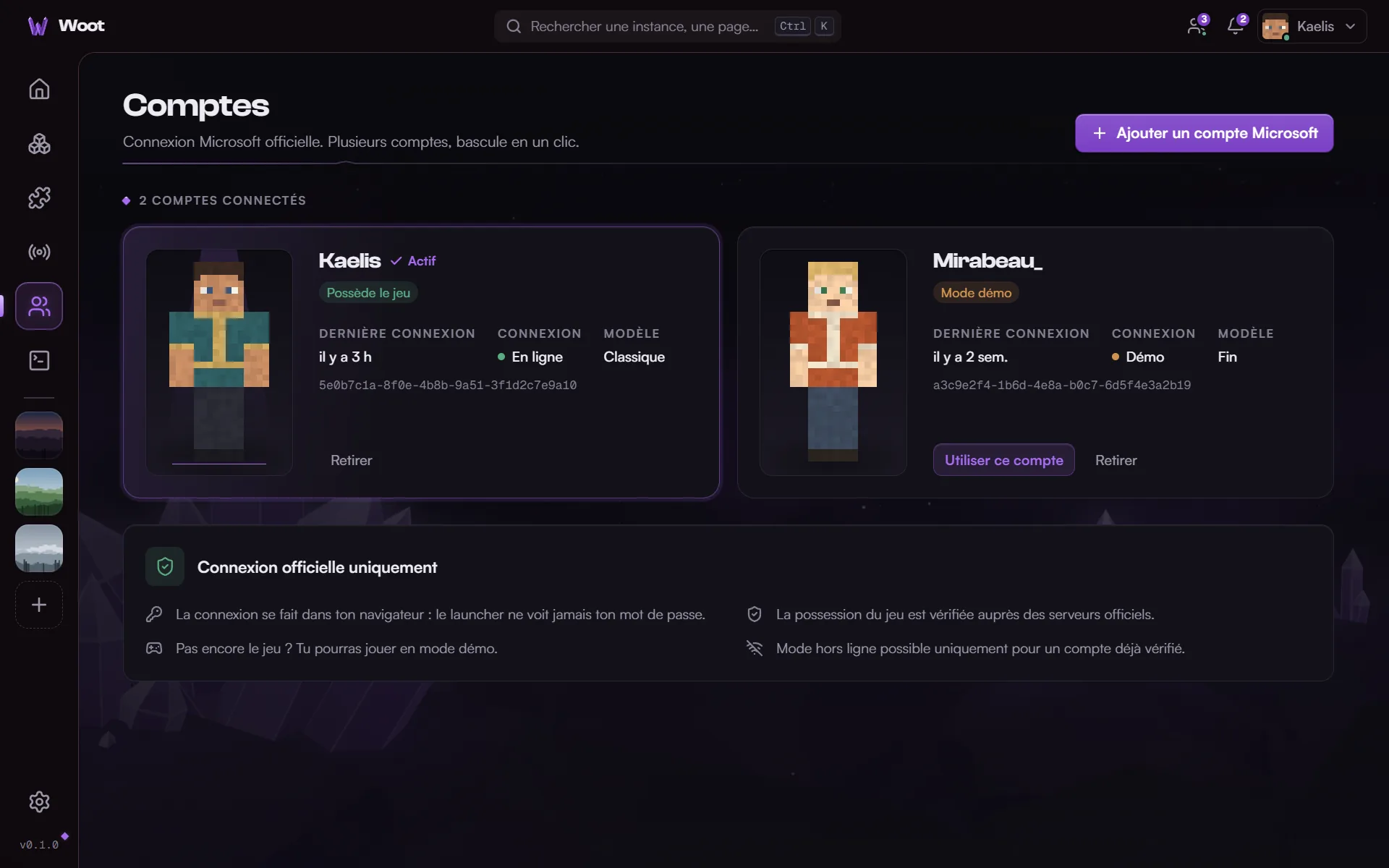
Woot only uses the official Microsoft sign-in and checks that you own the game. No cracked accounts, no shortcuts.

  • Your password stays with Microsoft Sign-in happens in your browser: Woot never sees it.
  • Encrypted tokens on your machine They are only ever sent to Microsoft's and Mojang's official services.
  • Official game files Everything is downloaded from Mojang's servers. Woot redistributes no game files.

How your sign-in travels

  1. Official Microsoft page You type your password there, in your browser. Nowhere else.
  2. Xbox Live Confirms your player identity.
  3. Minecraft Services Check that you own the game and provide your profile.
  4. Woot Only receives tokens, kept encrypted on your PC. No game? Demo mode.
Roadmap

Where is Woot at?

Woot moves forward step by step. Each step is tested before moving on to the next.

Version 0.2 is out9 steps done. Next: macOS and Linux.

  1. Done

    Foundations

    Interface, theme, settings, an engine written in Rust.

  2. Done

    Versions, downloads and Java

    Every official version, verified and resumable installs, automatic Java, instances.

  3. Done

    Microsoft accounts and launching

    Official sign-in, demo mode, several accounts, Play button, console, crash detection.

  4. Done

    Mods, modpacks and profiles

    Fabric, Quilt, Forge, NeoForge, Modrinth, modpacks, import from other launchers, profiles.

  5. Done

    Skins, servers and friends

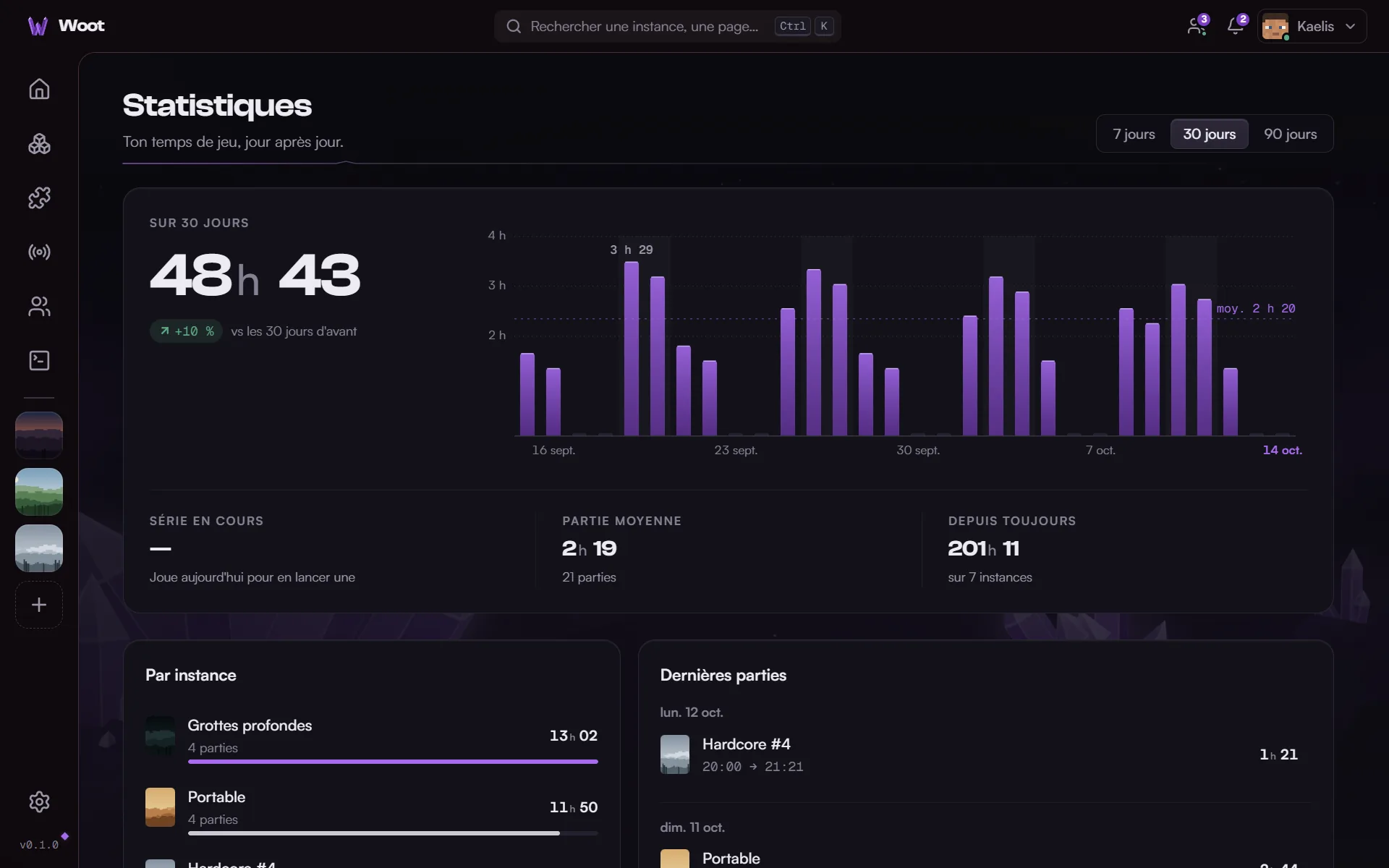
    Wardrobe, favorite servers, stats, Discord status, crashes explained, friends and messages.

  6. Available

    Version 0.1

    First public release, free, for Windows.

  7. Done

    Woot in game

    Main menu and over 40 modules (HUD, zoom, waypoints, clips…) from 1.8 to 26.3.

  8. Done

    Cosmetics and Woot+

    Shop, season pass, items visible in game, games with friends, Woot+ subscription.

  9. Available

    Version 0.2

    Woot in game, cosmetics and Woot+, for Windows.

  10. Up next

    macOS and Linux

    Installers for Mac (Apple Silicon and Intel) and Linux.

  11. Later

    And more

    More modules, new seasons, new scenery for the menu.

FAQ

Frequently asked questions.

Another question? The Privacy page also details what Woot does with your data.

Is Woot free?

Yes, and playing will stay free. Shop cosmetics and the Woot+ subscription are optional: they change your look and add comfort in the launcher, with no in-game advantage.

Do I need to own the game?

Yes: Woot checks with the official servers that your Microsoft account owns Minecraft: Java Edition. Without the game, you can play the demo.

Is my account safe?

You sign in on Microsoft's official page, in your browser: Woot never sees your password. It only receives tokens, encrypted on your computer, and only sends them to the official services.

Does Woot accept cracked accounts?

No. Woot only accepts official Microsoft accounts. Offline mode is reserved for accounts whose game ownership has already been verified.

Which game versions are supported?

Every official Java Edition version: releases, snapshots, beta and alpha. Woot installs the Java each one needs.

What about mods?

Fabric, Quilt, Forge and NeoForge install in one click. Mods, resource packs, shaders and modpacks come from Modrinth, with their dependencies and updates. You can also import your instances from CurseForge, Prism Launcher, MultiMC or the official launcher.

Are the in-game modules allowed on servers?

They're client-side display and comfort modules, with no hidden advantage. Some servers still restrict features like zoom or fullbright: when in doubt, check their rules. Every module turns off in one click, and you can keep the Woot menu without any module.

Which systems?

Version 0.2 is available for Windows 10 and 11. The macOS (Apple Silicon and Intel) and Linux versions come next; Linux on ARM will be experimental at first.

How do I update Woot?

Woot checks for new versions at startup and offers to install them, with the list of what's new (Settings › About, where you'll also find the beta channel). If your version doesn't offer anything, download the latest one from the Download page: your instances are kept.

Is Woot an official launcher?

No. Woot is an independent project, not approved by or associated with Mojang Studios or Microsoft. It only uses their official services for sign-in and downloads.

Ready to play?

Woot is free. Download it, sign in with Microsoft, hit Play.